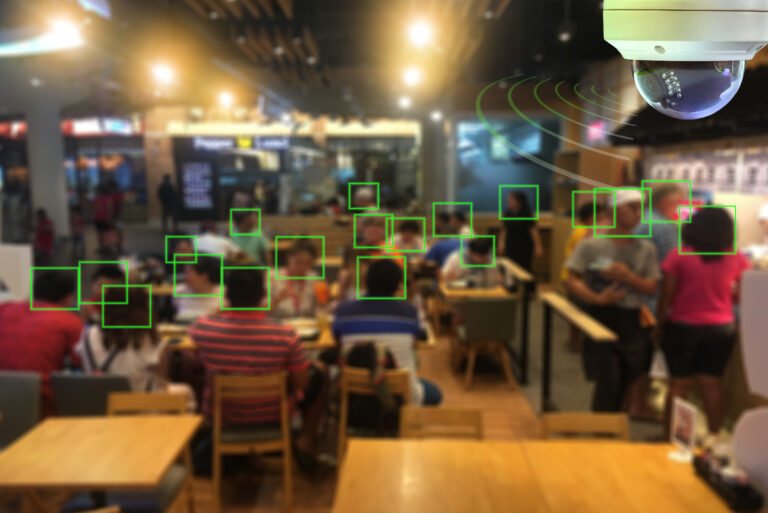
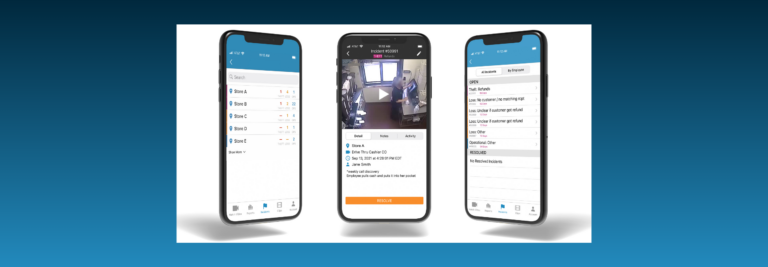
Managed Video as a Service (MVaaS)

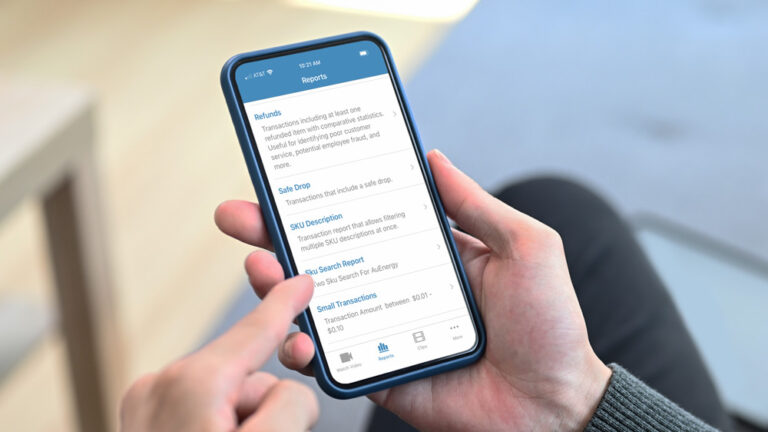
MVaaS is used to address the challenges of managing distributed video systems across multiple locations to reduce the user’s burden of software maintenance, ongoing operation, and support.  This scalability and limited management requirement limits the strain on the IT organization and network and lowers the barrier to entry for video driven value added service.

Recent Posts

4 Ways to Spot Non Cash Theft

By:

Posted in: Business Intelligence, Loss Prevention, Restaurant, Retail

Note: These advanced reports are designed to build on basic loss prevention reports and look for more sophisticated forms of internal theft. For more information on baseline loss prevention, read the Retail Loss Prevention Playbook or Restaurant Loss Prevention Playbook.

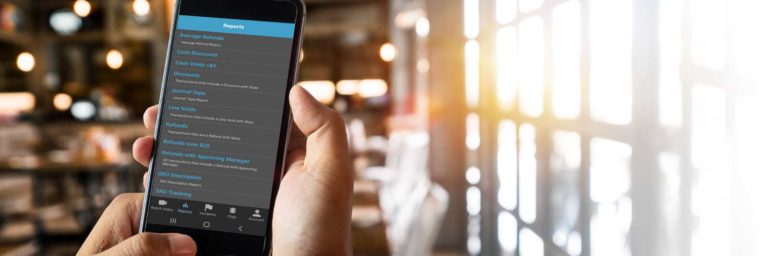
Even when retailers implement strict cash refund policies, enterprising employees can find alternate ways to steal. Frequently, these employees will issue fraudulent funds to another form of payment, which can be used at a later date to purchase merchandise, given to a friend or, in the case of gift cards, sold online for profit. Therefore, it is important to look for suspicious patterns with other forms of tender.

Reports to Use:


Description

Notes

Paid Gift Card Reloads Report

This report identifies expired gift cards that have been reloaded with additional funds.


Refunds to Merchandise Credit Report

This report returns all refunds made to store credit. 

Use a threshold to filter out transactions that are part of normal operations.

Refunds to Gift Cards Report

This report identifies all refunds made to a gift card

Use a threshold to filter out transactions that are part of normal operations.

Reprinted Receipts Report

This report highlights all reprinted receipts.

This report is particularly useful if you only allow returns for cash transactions with a receipt.

What to Look For:

  • Is a customer present when a gift card reload occurs? Does the customer receive the reloaded gift card?
  • Is a customer present when the employee issues merchandise credit? Was merchandise actually returned?
  • Does the employee reprint a receipt from a cash transaction and then issue a cash refund to himself?
  • Is the printer out of paper or did the customer ask for another copy of the receipt (valid reasons for reprinting a receipt) when the employee performs a receipt reprint?

How Frequently to Use the Reports:

Use these reports with the same frequency as you use basic loss prevention reports. If you are using a number of loss prevention reports, consider ways to manage the workload, such as alternating reports every other week or dividing reports among the team.

Become an Exception Reporting HeroWant more exception reporting tips?

Check out the Become an Exception Reporting Hero Guide to take your exception reports to the next level.

Manage Labor and Payroll Costs with Exception Reporting

By:

Posted in: Business Intelligence, HR, Operations, Restaurant, Retail

Since payroll is one of the largest, if not the largest, costs for retailers and restaurant operators with state and federal regulation, it’s important that it be accurate and managed.

Reports to Use:


Description

Notes

Employees Overtime Report

This report highlights employees nearing or working overtime by finding employees who have worked 35 or more hours in the week.

This report requires you to track employee clock ins and clock outs through an integrated POS or time and attendance system.

Employee Break Report

This report identifies any employee who works a certain number of hours without a break.

This report requires Envysion receives clock in and clock out data for breaks.

Time Clock Adjustment Report

This report tracks every time a manual adjustment is made to an employee’s clock in our out time.

Consider using a threshold to minimize the number of adjustments you need to review. One per day is likely an innocent case of forgetting to clock in/out. More than three per day may signal trouble.

All Clock Ins and Clock Outs Report

This report tracks every time an employee clocks in or out.

This report requires you to track employee clock ins and clock outs through an integrated POS or time and attendance system.

What to Look For:

  • Are employees working long hours that do not match the amount of time they are scheduled to work?
  • Is the employee clocking in/out for a coworker?
  • Are employees and managers following laws that mandate breaks for hourly employees, i.e. California requires a 30 minute meal break for employees working five or more hours.
  • Are any certain employees repeatedly working overtime hours? Can changes to the schedule minimize the amount of overtime required? Does the location need additional employees?
  • Are managers (not employees) performing time clock adjustments?

How Frequently to Use the Reports:

Because payroll is such a large part of the site’s operating expense, you should review these reports on a regular, weekly basis. For stores with high payroll costs, more frequent use may be necessary.

Special Report Consideration:

The Employee Overtime Report must be built to match your organization’s pay periods and it will only return accurate data when run on specific days. Work with your client service manager to determine when to use this report.

Bonus Video Tips:

While these areas are not directly tied to a report, you can use video to address other store-level issues that impact labor costs.

  • Are employees taking breaks while on the clock, i.e. frequent smoke breaks or phone calls?
  • Are employees standing around idly during slow times in the store? As the adage goes if you have time to lean, you have time to clean.

Become an Exception Reporting HeroWant more exception reporting tips?

Check out the Become an Exception Reporting Hero Guide to take your exception reports to the next level.

Restaurants: Review Your Game Tape to Improve Operations

By:

Posted in: Operations, Restaurant

All restaurants have operational strategies and processes that your employees are suppose to follow. It’s important to review your game tape to see how these strategies are working, and if processes are being properly followed.

One of the biggest challenges for restaurants is ensuring consistent execution across all of their locations. So how do you ensure that your processes and procedures are being followed? 

Leverage managed video to verify employees are following operational procedures such as:

  • Validate opening and closing time
  • Back door access
  • Cash handling

Validate Opening and Closing Time

Opening and closing hours at a restaurant are very important. If handled right, they set the pace for smooth operations. Punctual opening and closing time are important and must be followed by managers and employees.


restaurant opening and closing best practicesMVaaS Moment – Leveraging managed video you can ensure your restaurant opens and closes at correct times by doing a simple motion search on the front door at the time the restaurant is scheduled to be opened and validate. Validate closing time  was followed with motion search to ensure no one entered establishment after closing hours.


Back Door Access

The back door facilitates necessary logistics of any operation – i.e. trash removal and vendor receiving. Being the backdoor, relatively out of sight, it is often a susceptible portal to crime. Managing the back door with the appropriate policies and procedures, aided by technology, you can help to protect yourself against potential issues.

An effective backdoor policy should include:

  • Times when the back door should not be opened at all – i.e. after dark or during peak hours
    • Trash runs after dark should go through the lobby doors. The final trash run should occur before doors are locked at closing.
  • When (perhaps always) the backdoor is to be locked.
  • Who possesses the keys to the backdoor.
  • Backdoor should never be propped open.Any request to enter through the backdoor, for example, by a vendor, should be made  at the front counter

Actions

  • Have a backdoor policy
  • Make sure your employees know and understand the policy.
  • Use a managed video system on the back door
  • Use motion search with your video system to audit activity around the backdoor when there should be none and that employees are following protocol


restaurant back door best practices

 MVaaS Moment – MVaaS enables audits by using motion search on the back door to see if it is opened during periods when it should not be.


Cash Handling

Employing an effective cash handling policy can do a lot in the way shrinkage prevention by putting in place the correct checks and balances and processes to mitigate opportunities for theft.

Your Cash Handling Policy should cover:

  • Cash Counts: Cash counts should happen at the beginning and end of all shifts. A record should be kept of beginning and ending cash (the policy should stipulate the amount of beginning cash).
  • Single-drawer accountability: Single-drawer Accountability means one employee, one drawer.
  • Cash Drops: Cash drops (deposits from the drawer) during a shift should be dictated so that there is never too much cash exposed in the drawer at any given time.
  • Cash Transactions with Customers: Handling cash transactions well with customers eliminates ambiguity and confusion that can be introduced when cash changes hands. The cost of purchase should be clearly stated and the change counted back verbally.


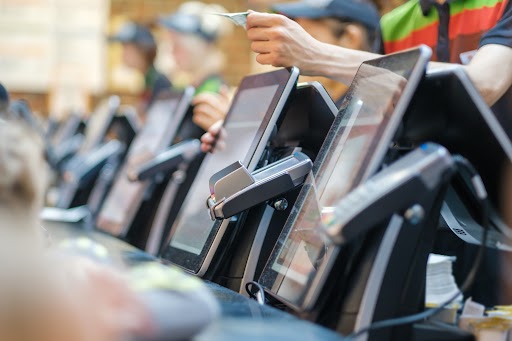
 cash handling best practices for restaurantsMVaaS Moment – Use MVaaS to determine if bills are being left outside of the cash drawer. You can check to see if bills and change are counted back to the customer or handed back as a group.